How to clone a skin
Use the following procedure to create a new skin, based on an existing skin.
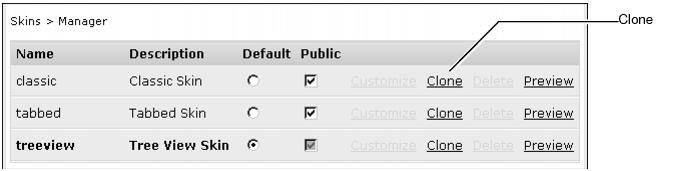
Figure 2-14 Clone functionality for a skin
At the prompt, type a name for the new skin. Choose OK. The new skin appears in the list of available skins, as shown in Figure 2-15. 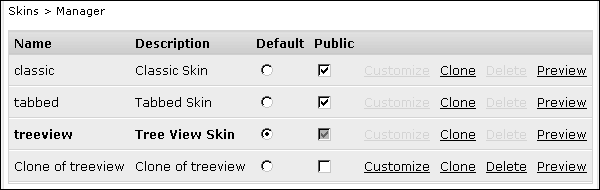
Figure 2-15 skin manager, showing a cloned skin
