How to select language and time zone settings
|
2
|
In Log In, select a volume profile name. Type a user name and password. Make the following selections:
|
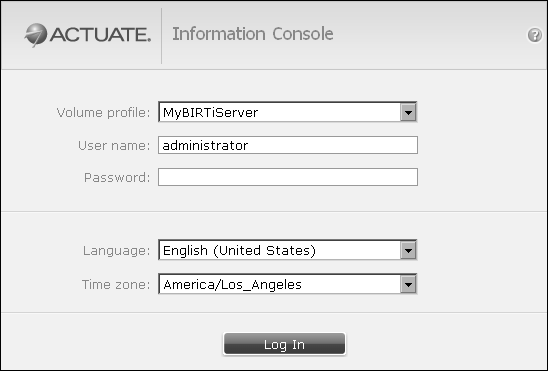
Figure 5-12 Logging in to Information Console
