How to drill down in a chart gadget

In viewer menu, choose Drill into <value> where <value> is a data category or data series displayed in the chart, as shown in Figure 3-34.
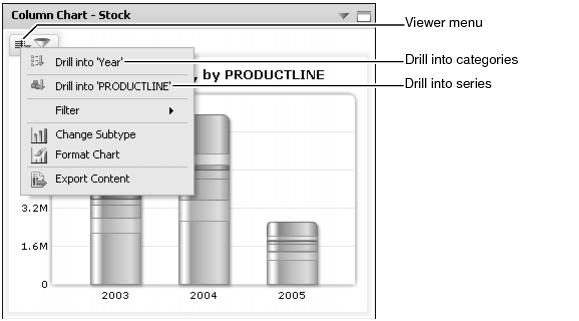
Figure 3-34 Choosing a drill-down into a chart gadget
The chart displays the new data category or series selected. Users can continue to drill-down and receive more detail or drill-up to the previous chart view.
