Changing the order of columns
For any report design, you can use Data Row Editor to display the data row component. If the ReportType property is InformationObject, you can use Data Row Editor to change the order in which data row variables appear as columns when you display the data rows. The default behavior displays data source table names and column names in alphabetical order. In Figure 4-10, Data Row Editor displays the available data row variables for a report design.
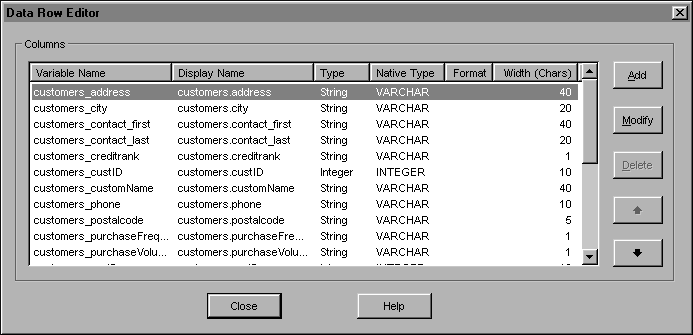
Figure 4-10 Available data row variables
