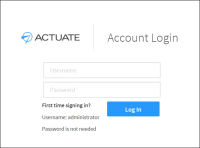
When I login for the first time what user name and password do I use?
Username: administrator
Password: (no password needed)
The account login screen does not come up.
This can occur, if BIRT F-Type is not running.
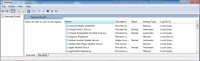
For Windows: check if the Actuate iHub 3 service is running, if not please start it.
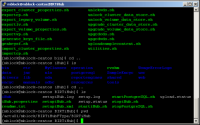
For Linux: check if the process startiHub.sh in the directory BIRTiHub is running.
Also, check if you are using a VPN connection. If you are, please disconnect from the VPN and try again.
The font in the login screen does not look crisp and clear. Is there something I can do to fix this?
To improve the display of iHub web pages, enable ClearType. Enabling ClearType makes the words on the screen look much more sharp and clear. The following procedure explains how to enable ClearType on a Windows 7 operating system.
1 In Control Panel, choose Appearance and Personalization.
2 Choose Display.
3 Choose Adjust ClearType text.
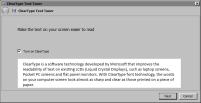
4 In ClearType Text Tuner, check Turn on ClearType. Choose Next.
5 In each of the next four screens, click the text sample that looks best to you. Choose Finish.